AE Sheets
Localize & version your After Effects videos in minutes instead of hours
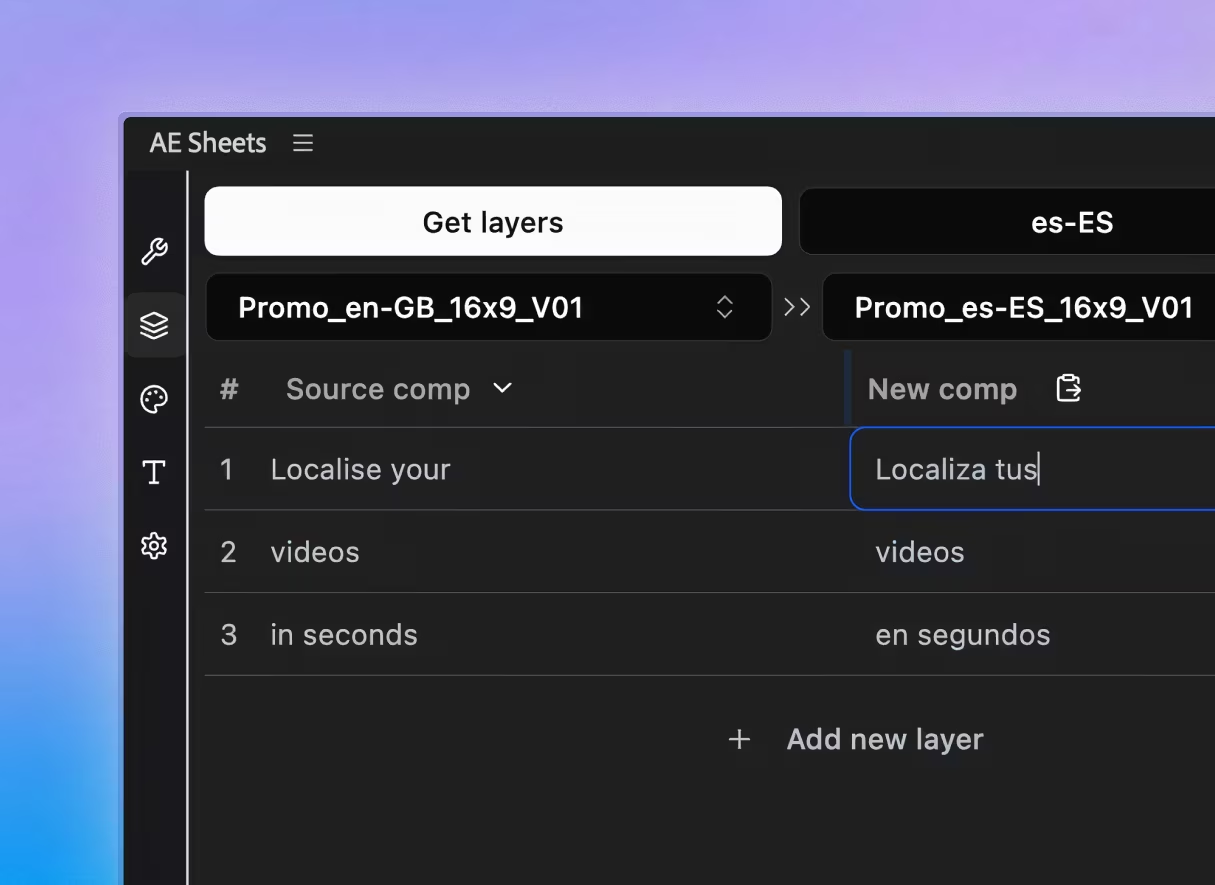
Everything you need to manage your spreadsheets in AE
Layers Panel
Index, translate, and manage every text layer from a single spreadsheet interface — with built-in AI translation, TSV export, and one-click generation.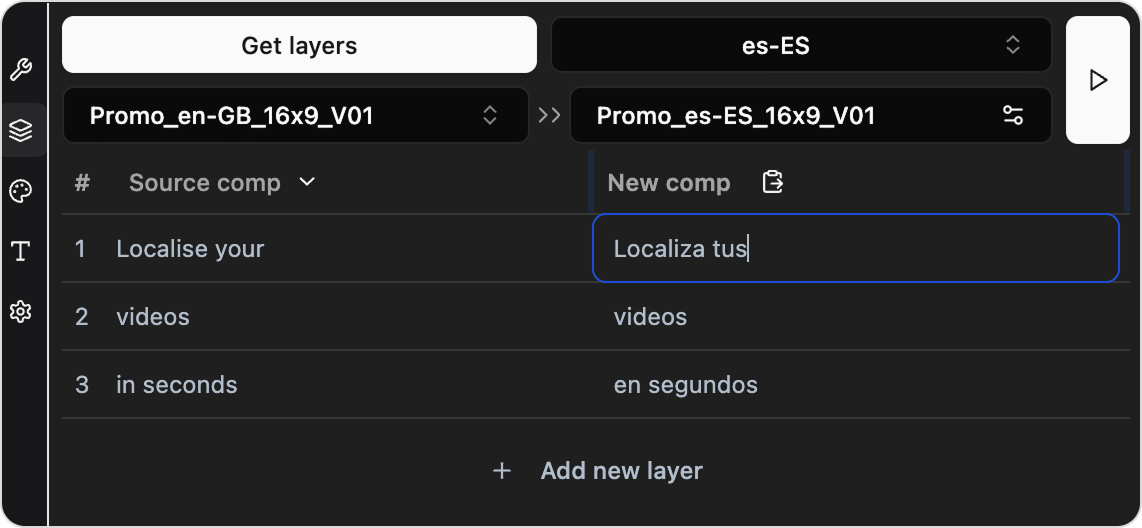
Presets
Save per-language font, size, and RTL settings as reusable presets to localize across projects without re-configuring.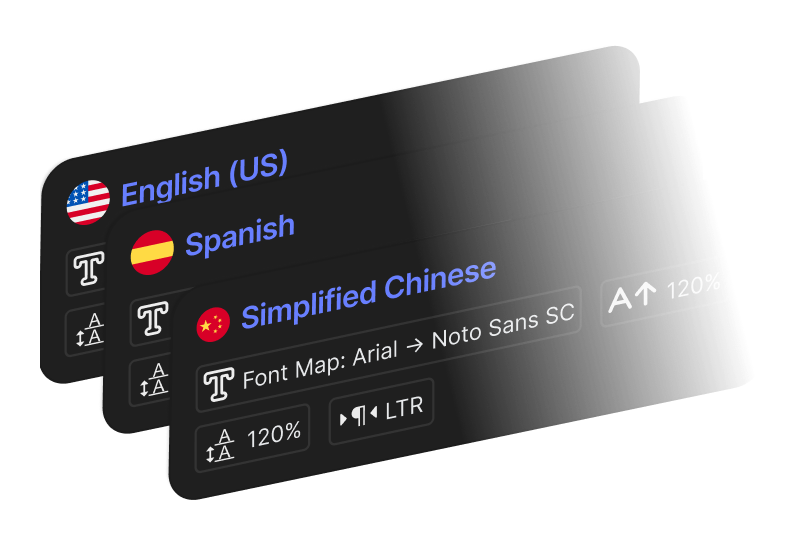
Font Map Panel
Map source fonts to language-specific replacements, keeping your weight hierarchy intact when swapping scripts.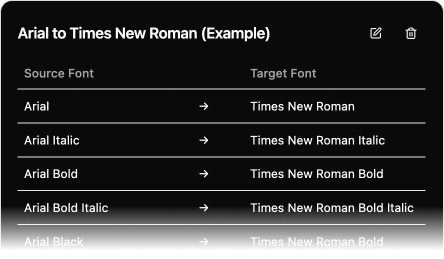
Rigging Tools
Automatically resize text, lock anchor points, and pin graphics so your motion design stays pixel-perfect regardless of translation length.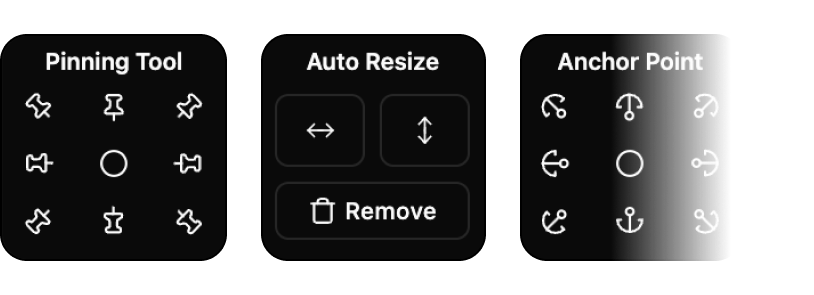
Batch Create
Select multiple target languages and let AE Sheets duplicate, rename, and restyle every composition in one batch.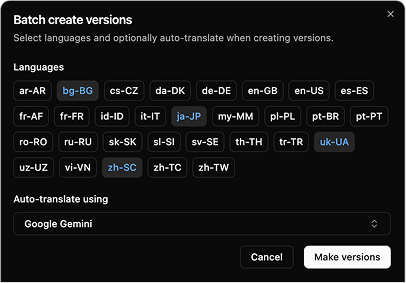
See it in action
Watch a full walkthrough of AE Sheets to see how it fits into your localization workflow.
The math your client never does
Delivering video in multiple languages and formats? Pick your deliverable mix and see what manual After Effects localisations actually costs you.
Aspect ratios
Languages
Manual workflow
With AE Sheets
~11 min
Somewhere a client is asking for 'one small change'. You'll never hear about it — you're too busy renaming comps.
Manual: ~12 min per version for comp duplication, text translation, font adjustments, and layout verification. AE Sheets: ~8 min setup + ~10 sec per comp for batch processing.
Built with
 macOS
macOS Windows
 2024+
2024+
 Bolt CEP
Turn a day of grunt work into a coffee break.
Translate, restyle, and batch-export every language version without touching a single layer by hand.